🖼️ Image Text Editor swaps text in finished images with AI, guided by the existing lettering
In brief
- 🖼️ The web editor detects text in JPG, PNG and WebP images; you pick one block and type the new wording.
- 🎨 The AI follows the existing lettering and background, and a before-and-after slider shows the result.
- 💶 One result is free for new accounts, then $0.42 or $0.33 per credit; HD costs two credits.
- ⚠️ Small, curved or angled text is less reliable, the maker says.
🖼️ Image Text Editor is a browser tool that changes text in images that are already finished: display ads, posters, screenshots, menus or AI-generated pictures with garbled lettering. You upload a JPG, PNG or WebP, the editor detects the visible text blocks, you pick one and type the new wording. The AI then generates a new version that, according to the maker, uses the existing lettering and surrounding design as a reference. A comparison slider shows original and result side by side, and the download is a flattened PNG without layers. 💶 New accounts get one credit after signing in with Google, enough for one standard-quality (1K) result. After that a credit costs $0.42 in the small pack and $0.33 in the larger one; an HD (2K) result takes two credits. Failed attempts cost nothing, and saved results stay in the account for seven days. It is useful for anyone who needs to adjust a graphic slightly and no longer has the Canva or Photoshop source file. It is less suited to fine, curved or reflective lettering; the maker advises checking the image at full size before downloading.
🔍 **How the workflow runs.** The editor first reads the lettering in the image, much like text recognition (OCR), and lists the blocks it found, so you know which one will change before anything is generated. Instead of rebuilding design elements, the AI replaces only the chosen area and repairs the background behind it. The website says this is meant to reduce unwanted changes elsewhere in the image, but the maker still asks users to look at nearby logos, objects and small details before publishing. Besides replacing, the site also lists removing captions, date stamps and labels, and adding new titles.
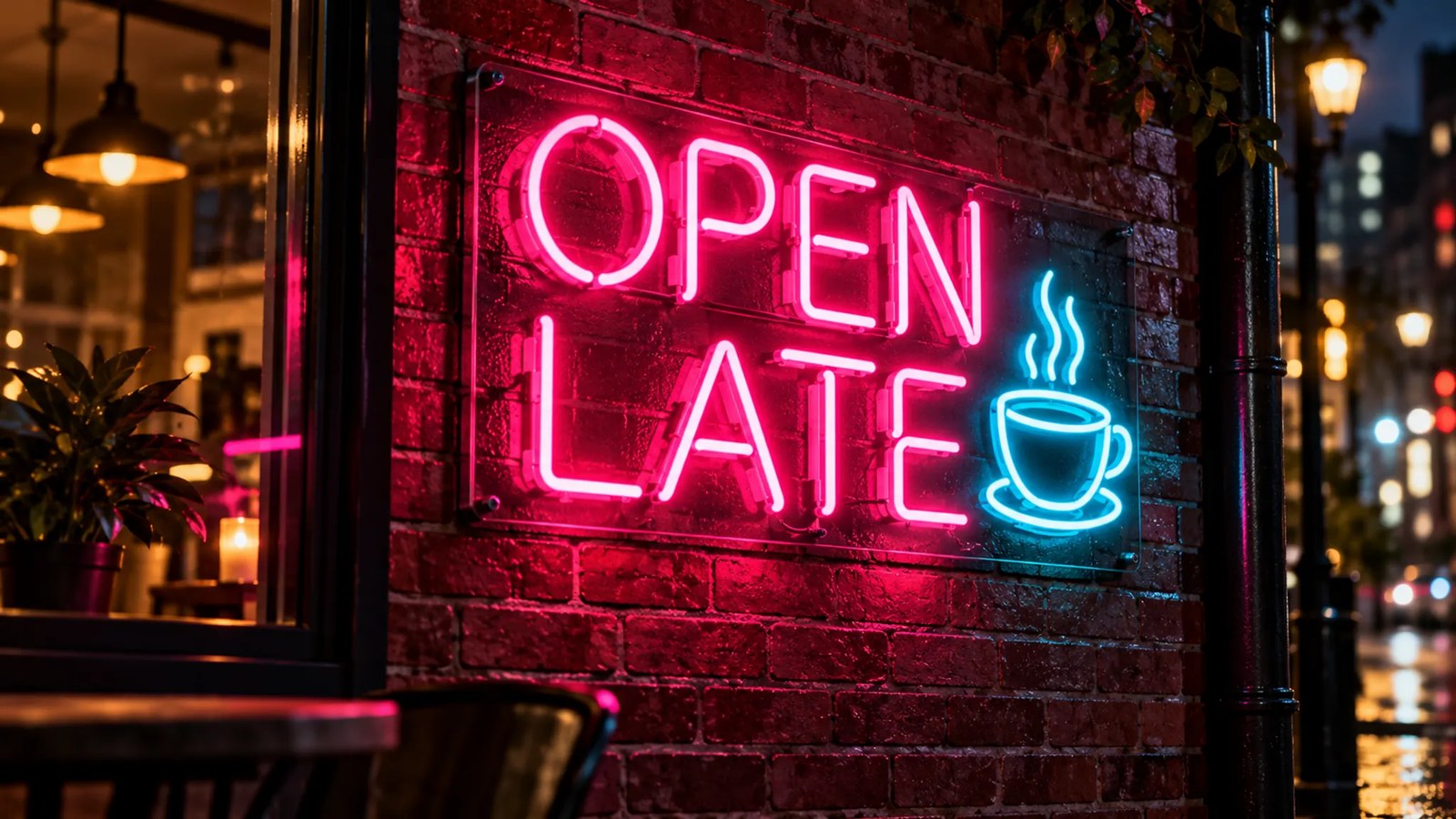
🧪 **The maker's examples.** The home page shows before-and-after pairs: a neon sign whose "OPEN LATE" becomes "OPEN 24/7", an event poster with a new date, a menu where "Truffle Fries $8" turns into "Garlic Fries $9", a video thumbnail reading "30 DAYS" instead of "7 DAYS", and an AI image whose misspellings ("GRAND OPNEING SAEL") are corrected. Suggested uses are prices and dates in ads, promo codes in graphics, labels in dashboards or mockups, and product callouts in shop images.
⚠️ **Where it reaches its limits.** According to the maker it works best with sharp, readable text on simple or moderately detailed backgrounds. Very small, curved, reflective or steeply angled text is less predictable, and details next to the text can change as well.
💳 **Billing in detail.** One credit covers one saved standard-resolution result, HD takes two. The small pack holds up to 12 standard or 6 HD results, the larger one up to 30 or 15. Uploading, text detection, selecting, comparing and repeated downloads use no credits; credits are deducted only once a result is saved. One-time credits do not expire. There are also subscriptions with monthly credits that lapse at the next refresh. Without signing in you can try a sample in the browser, though without AI generation; your own images need a Google account. On public pages analytics services are on by default, the site notes, and can be rejected.
🧭 **Where it fits.** Changing text in images with AI is now offered by many image tools. This one sticks to that single task and charges per result. Someone who only occasionally needs to swap a date on a banner pays little that way; anyone who still has the layered original file will get a more precise result there.