📷 Samsung is reportedly building an AI Vision mode into the Galaxy camera app
In brief
- 📷 Code in the One UI 9.5 beta shows a new camera mode called Vision that describes what the camera is pointed at.
- 🤖 An Ask button sends questions to Google's Gemini; Translate hands text to Samsung's own AI Vision app.
- 📅 The mode does not work on the Galaxy S26 Ultra; the code suggests it needs new hardware, likely the Galaxy S27 series.
- ⚠️ Samsung has not announced it, and beta features do not always ship.
📷 Samsung appears to be working on an AI mode for the camera app of its Galaxy phones. Android Authority found a new mode simply called Vision in the code of the first One UI 9.5 beta on a Galaxy S26 Ultra. It would sit next to Photo, Video and the other modes and work as a point-and-ask tool: the camera reads the scene, and a card shows an AI-written summary with tappable keywords. 🤖 Two buttons beside the shutter would take it further: Ask sends the frame to Google's Gemini, Translate passes it to Samsung's AI Vision app, the remains of Bixby Vision. The model is easy to spot: with iOS 27, Apple added a Siri mode to its Camera app with a very similar layout. 📅 The mode does not run on the S26 Ultra; the code points to new hardware, most likely the Galaxy S27 series expected early in 2027. Samsung has not announced the feature, and what appears in betas does not always ship.
🔍 **How the mode is meant to work.** According to Android Authority's teardown, switching to Vision animates the shutter icon into a new design, and the camera starts streaming the live preview to a new Samsung app called Visual Agent Service. Below the scene card with its summary and keywords sit suggested actions, a text extraction button and a flashlight toggle, and a footer notes that the content was generated by AI. Pressing the shutter in this mode apparently saves no photo; it freezes the preview so you can ask about it. Tapping a keyword sends its question to the Gemini app together with the frame and also copies it to the clipboard.
🧩 **What would actually be new.** Point-and-ask is old news on Galaxy phones: Bixby Vision arrived with the Galaxy S8 in 2017, Google offers Lens and Circle to Search, and Gemini Live has been able to share the camera feed since last year. What would set Vision apart is that it lives inside the Camera app and gives Samsung's own scene summary before Gemini is involved. Android Authority could not tell whether that summary is made on the phone or in the cloud, because Visual Agent Service is not yet on the S26 Ultra. Engadget's view is that the feature adds nothing new to the concept but could shorten the way to asking AI about the world around you.
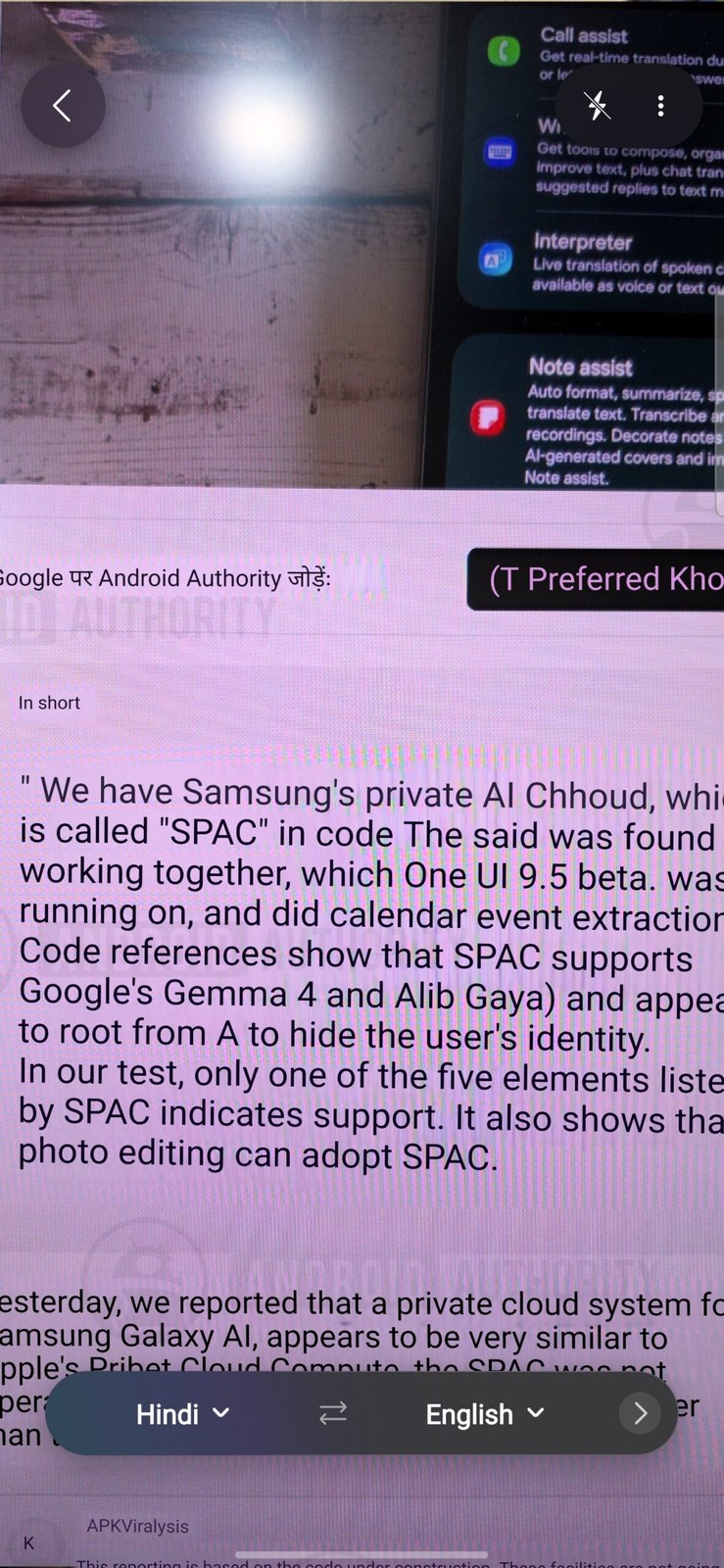
🌐 **Translation between phone and cloud.** The AI Vision app still carries Bixby Vision's package name, and some of its strings still welcome users to Bixby Vision. On the S26 Ultra it no longer has a launcher icon and powers the camera's real-time translation that debuted with the S26 series; in the test it overlaid an English translation of Hindi text within seconds, processed on the phone. One UI 9.5 adds a setting to process data only on the device, plus network error messages, a consent screen for translation and a content filter. Together they point to cloud translation on newer phones for users signed in to a Samsung account; the on-device option reportedly appears outside China only and is off by default.
🖼️ **Automatic portrait blur in the same build.** The code also contains a feature called Portrait effect in Photo, internally Auto portrait. It would blur the background automatically in the normal Photo mode when it detects a face or a pet, with a slider for blur strength. Newer iPhones store depth data for later editing instead; Samsung's version, going by the code, applies the blur as you shoot.
⚠️ **The caveat.** Everything comes from work-in-progress code analysed by Android Authority; Samsung has confirmed none of it. The Galaxy S27 series is rumoured to launch in January, which is when it should become clear whether Vision mode is real.