🎨 DESIGN:OS Studio opens Figma files without Figma and lets coding agents work inside them
In brief
- 🎨 DESIGN:OS Studio is a free design app written in Rust that opens, edits and saves Figma .fig files without the Figma app.
- 🤖 Coding agents such as Claude Code, Codex or Gemini CLI edit the open file through its own MCP server; every agent turn can be undone in one step.
- 💻 Dev Mode produces code for eight targets, from CSS and React to SwiftUI and Compose.
- ⚠️ A known saving issue remains; the PolyForm Shield licence is source-available, not open source.
🎨 Developer Jang Trinh has released [DESIGN:OS Studio](https://jangtrinh.github.io/design-os-studio/), a local design app that reads Figma's .fig file format and writes it back without the Figma app installed. It is written in Rust, draws its canvas on the graphics card and, according to the project page, runs on macOS, Windows and Linux; only the macOS package was verified before release. 🤖 The point of it is AI agents. An Agents panel starts your own command-line agent, Claude Code, Codex, Grok, Antigravity or Gemini CLI, as a live session on the open file, using that tool's own sign-in, so no extra API key is needed. A bundled MCP server called designos-mcp gives agents 39 tools. Every agent turn is one undo step, so changes can be reviewed, kept or reverted. The app is free and source-available under the PolyForm Shield 1.0.0 licence, which restricts some uses and is therefore not open source. The main caveat, stated by the project itself: saving a .fig file drops numbered-list formatting and writes inherited or variable-bound paints on instances as fixed values (issue #834).
🧩 **Who it is for.** DESIGN:OS Studio targets teams that build interfaces from specifications and use coding agents to do it. Instead of an agent seeing only an export from a cloud tool, it works on the real file on your own disk. Someone who receives a .fig file from a client can open it, change it and send it back without a Figma account. There are command-line tools as well: `designos` can print a file as JSON, scan a design system, generate code, or compile a JSON specification straight into a .fig file. A comparison tool, designos-diff, renders two images and measures how far they differ.
🤖 **How the agents work.** Agents run as live sessions inside the app and keep their sessions across restarts. By default they ask before acting; an "Ask when risky" mode only asks for risky steps. According to the changelog, an agent can only narrow its own tool list after it starts, never widen it, and saves refuse to write through symbolic links. The MCP server publishes a risk tier for each tool and returns a LOOP_SUSPECTED hint when an agent keeps repeating the same calls. The developer also names a limit: an agent working through its own external MCP connection approves its own calls.
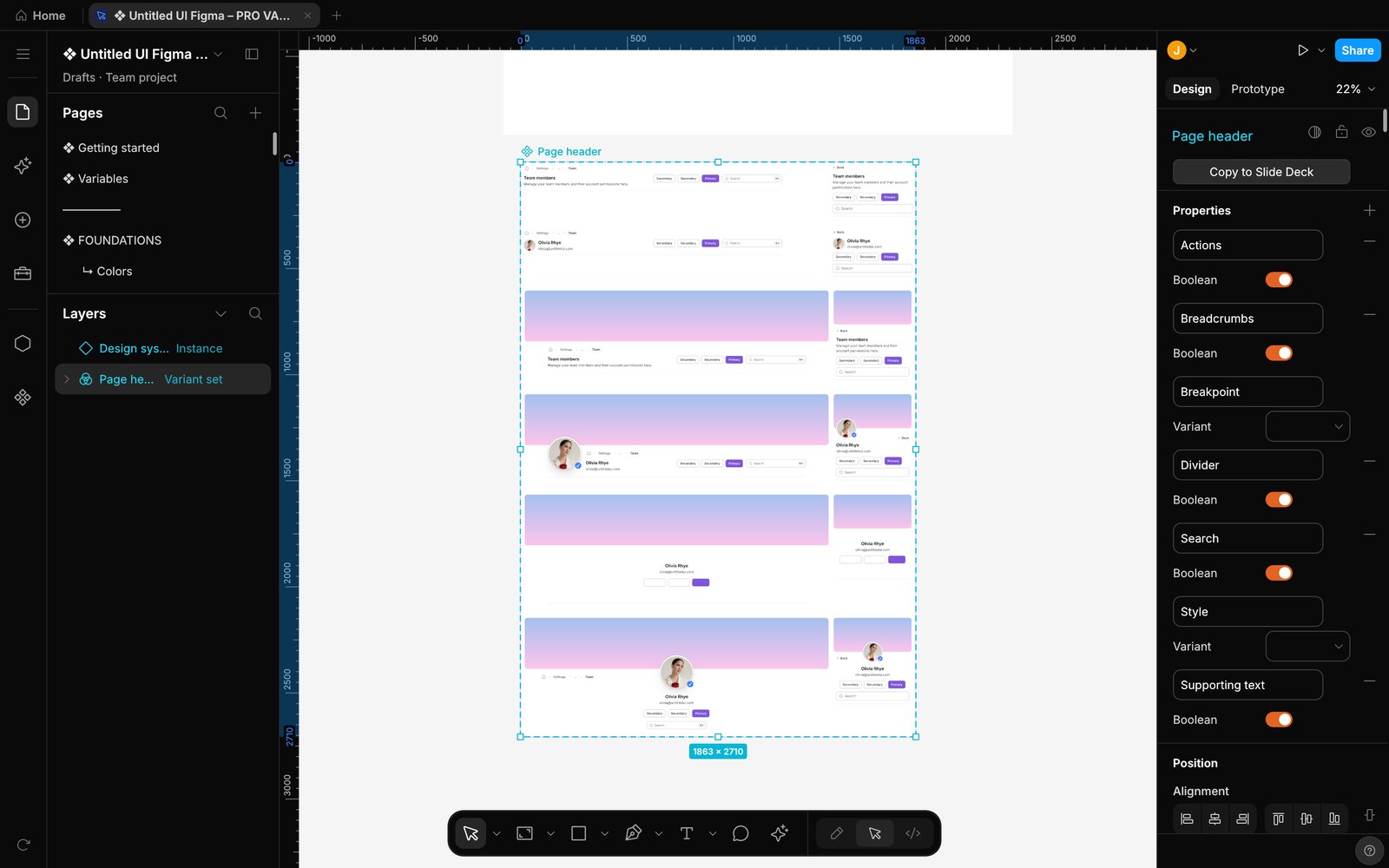
📐 **How close it gets to Figma.** The project page openly measures itself against a large commercial Figma kit, Untitled UI PRO v8.0, which opens as one document of 207,601 nodes. After the latest fixes, the project says, 8 of 10 frames it checked export within one pixel of Figma, while two are 4 and 5 pixels too wide. Its own scoreboard put auto-layout child placement at 99.1 percent agreement but text layout at only 69.9 percent. Custom shader effects are kept in the file but not drawn yet. Saving large files takes longer because every page is loaded first: on the Untitled UI kit, Save As went from 6.6 to 38.2 seconds, according to the changelog.
💻 **Dev Mode and variables.** For developers, Dev Mode prints code in CSS, Tailwind, React, SwiftUI, UIKit, Compose, Android XML and HTML, and shows the box model, resolved variables and a Ready for dev status. Colour, number, string and boolean variables with several modes survive a round trip through .fig and can be exported as W3C Design Tokens.
🔒 **Privacy.** The app sends no telemetry, according to the project page. It goes online to fetch missing fonts from the Fontsource API, to check a status page after an agent provider error and to download plugins from GitHub; the agent command-line tools themselves use the network under their own terms.
⚖️ **What it does not do.** The developer says plainly where hosted tools win: real-time multiplayer with live cursors, enterprise administration with SSO and SCIM, and comment notifications by email or Slack are missing. Anyone who needs those should stay with Figma or a hosted Penpot instance. Packages for Windows and Linux (.zip, .deb, .tar.gz) exist but were not tested before release.
📦 **How to get it.** Packages are in the [GitHub repository](https://github.com/jangtrinh/design-os-studio); the current version is 0.7.17. The app can also be built from source with Cargo or installed as a skill plugin in Claude Code. The PolyForm Shield licence allows use but forbids, among other things, using it to build a competing product.