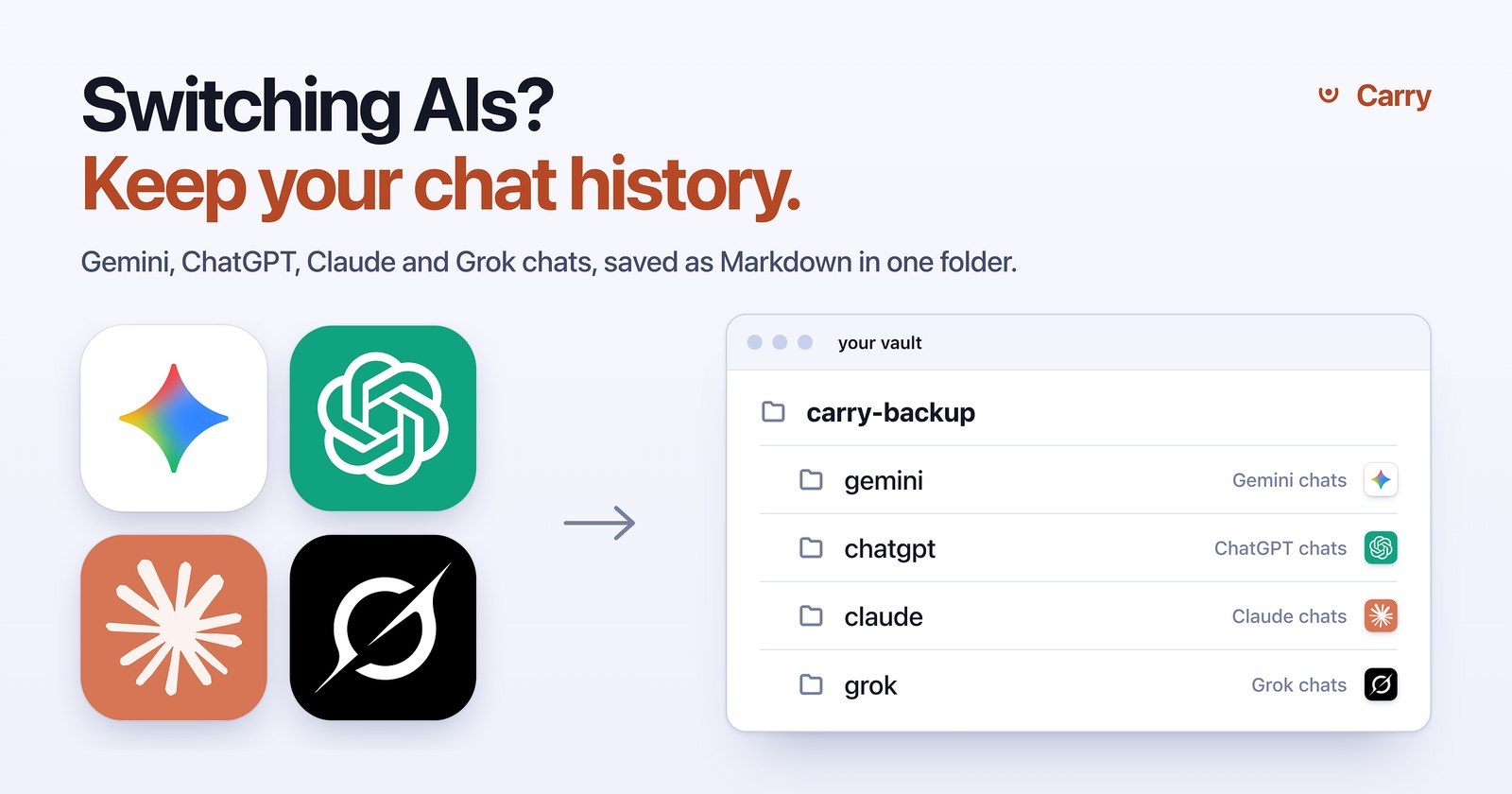
💬 Carry saves ChatGPT, Claude, Gemini and Grok chats as Markdown in a folder you own
In brief
- 💬 Carry keeps chats, projects and files from ChatGPT, Claude, Gemini and Grok as Markdown in a folder.
- 🔎 One search across all saved chats, with filters for app, date and project.
- ↪️ A saved chat can be continued in any of the four apps with the transcript attached.
- 💶 Trial saves the newest 25 chats per app; the license is $79 per the page, $59 until Dec 1.
Carry is a program that saves conversations from ChatGPT, Claude, Gemini and Grok as plain Markdown files in a folder on your own computer and keeps them current, with no exports to run. It adds one search over all of them and can reopen a saved chat in one of the apps with the transcript attached. According to the project page there is a trial and a license.
**What the page says.** Chats, projects and files go to the user’s folder as plain-text Markdown and are kept up to date without exports, according to Carry. Each file starts with metadata (source app, title, timestamps, the chat’s address, message count, a content hash); code, tables and attached files appear in the text and in the folder. The page shows samples from all four apps, including projects with instructions and files and branched conversations that are stored as separate threads.
**Search and continue.** A search box covers every saved chat, highlights the matching line and filters by app, date and project. “Continue in” opens a saved chat in ChatGPT, Claude, Gemini or Grok with the transcript attached, so a conversation can carry on in a different app.
**Price and scope.** The trial saves the newest 25 chats per app, Grok included, then everything new, the page says. The license adds the rest: older chats still in your accounts, every project (including ones over 25 chats), free updates for life, up to five computers per license. Regular price $79; in a Black Friday offer from 15 November to 1 December 2026 it is $59 with the code BLACKFRIDAY20. Preview, copy content and “Continue in” keep working on saved chats after the trial ends, per the page.
**Who it is for.** Of interest to people who would rather keep their AI conversations in readable files they can search with their own note tools than leave them in a provider’s account. Occasional chatters will hardly need it. The page names no developer, and the text we read does not describe installation steps or supported operating systems; details are at [carry.md](https://carry.md).