💻 Mistral Vibe: the former Le Chat now runs as a desktop app with a coding agent on Mac and Windows
In brief
- 💻 Mistral offers its assistant Vibe, formerly Le Chat, as a desktop app for macOS and Windows; Linux is to follow.
- 🤖 The app runs coding agents locally or in a cloud sandbox, several tasks in parallel, with diff review and pull request tracking.
- 🆓 A free plan covers questions, web search and simple tasks; agents and long-running tasks need Pro.
- 🌍 Vibe also runs on the web, on iOS and Android, in the terminal and in editors such as VS Code.
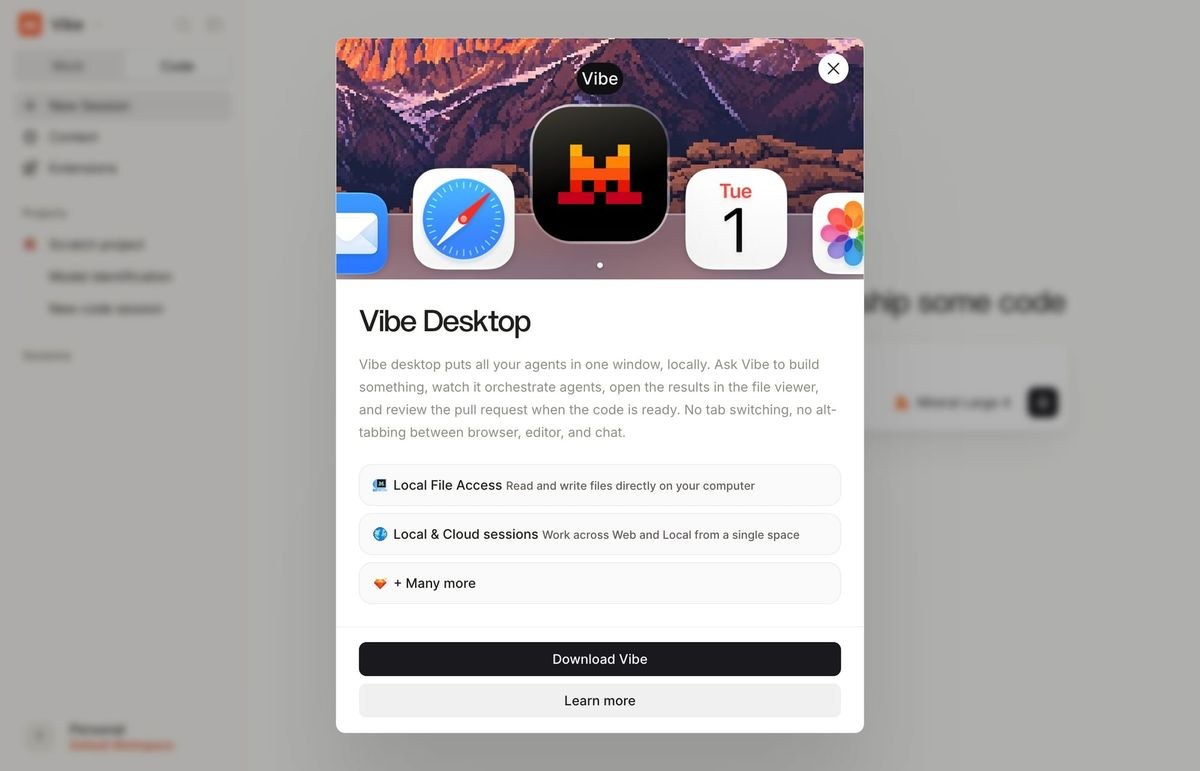
💻 French AI company [Mistral AI](https://mistral.ai/products/vibe/) has released its assistant Vibe as a desktop app for macOS and Windows. Vibe is the new name of Le Chat: Mistral renamed the chatbot earlier this year and merged it with its coding agent into one product. Conversations, settings and plans carry over, according to Mistral. The desktop app is aimed mainly at developers. You can hand an agent several tasks at once, run them on your own machine or in a cloud sandbox, watch the agents work side by side and then review the code changes and pull requests in the same window. A Linux version is announced but not yet available. 🆓 The free plan covers quick answers, web search and simple tasks. Agents, long-running tasks and all-day coding require the Pro plan, with Team and Enterprise tiers above it. For anyone who uses Claude or ChatGPT on the desktop today, Vibe is the European alternative in the same format.
🧭 **One product, two ways of working.** Mistral splits Vibe into two modes. *Work* is the former Le Chat for office tasks: research, drafts, summaries, spreadsheet analysis and scheduled, recurring workflows. A fast/think toggle decides whether Vibe just answers or starts a multi-step agent run; according to the [documentation](https://docs.mistral.ai/vibe), the former Chat and Work tabs were merged into one interface on 22 September. *Code* is the programming mode, available in the terminal, in VS Code, on the web and now in the desktop app. chat.mistral.ai remains the entry point and the account stays the same.
🛠️ **What the coding agent is meant to do.** On its product page Mistral lists tasks such as scaffolding multi-file features with tests and documentation, writing unit and integration tests that match existing patterns, migrating legacy codebases to new languages or architectures, and bulk dependency updates. Asynchronous agents are meant to work while the team is offline and finish by opening a pull request for review. By Mistral's account, Vibe asks for approval before sensitive actions, shows every tool call and can be stopped at any point.
🖥️ **What the desktop app changes.** Until now the coding agent lived in the terminal or the editor. The app gathers sessions in one window: local sessions work on your own files and shell, cloud sessions run in an isolated environment at Mistral. According to [TestingCatalog](https://www.testingcatalog.com/icymi-mistral-launches-vibe-desktop-for-macos-and-windows/), tasks started in the cloud can be pulled back into the terminal and continued there. Those who prefer to stay in their editor can also launch Vibe in JetBrains IDEs or Zed through the Agent Client Protocol (ACP).
🔌 **Connections.** Mistral says Vibe connects to more than 100 tools, including email, calendar, Slack, GitHub, GitLab and Jira, through its own connectors and the Model Context Protocol (MCP). Voice input runs on Mistral's speech model Voxtral.
💶 **Prices and offer.** Mistral's product page lists four tiers: Free, Pro, Team and Enterprise. TestingCatalog puts the Pro plan at 14.99 US dollars a month before taxes. At launch, developers in Europe could get a code for three free months of Pro; Mistral handed the codes out first come, first served, and according to the report the first batch was gone the same day. Enterprise customers can run Vibe on their own servers, in a private cloud or on Mistral's cloud with full data residency; fine-tuning on their own data runs through Mistral Forge.
🧠 **The model behind it.** Mistral paired the launch with Mistral Large 4, nicknamed "Le Chonk", an open-weight model with one trillion parameters. The company states that Vibe with this model leads among open models on the FrontierCode and Terminal-Bench benchmarks.
⚖️ **Who it suits.** The app is of interest to developers who want to steer several agent tasks in parallel and care about a European provider or open models. Occasional users asking questions are well served by the web or the phone apps. Linux users have to wait for the announced version, and the agent features require a paid plan.