🧩 Pixlayer turns flat AI images and slide screenshots back into editable text and layers
In brief
- 🔤 Pixlayer recognises every word in a flat image and turns it into an editable text box.
- 🖼️ Subjects and icons become separate layers, and the background behind the text is filled in.
- 📤 Export as PPTX for PowerPoint, Keynote and Google Slides, or as PNG and a layered ZIP.
- 💳 Payment is per image with credits, sold as one-time packs valid for a month.
🧩 Image generators often get the picture right and the lettering wrong: a warped word on a poster, a wrong figure on a slide. Fixing it usually means generating the whole image again. [Pixlayer](https://www.pixlayer.ai) takes another route: you upload the flat image, and the service returns every word as an editable text box and the rest of the picture as separate layers. 🛠️ According to the project page, each line of text gets a fitted font, size and colour; subjects, icons and illustrations become transparent images of their own, and the background behind the removed text is filled in. In the browser editor you can retype, move or translate the text. The result comes back as a PPTX with text boxes for PowerPoint, Keynote and Google Slides, as a PNG or as a ZIP of layers. 🎯 It is useful for anyone who wants to rescue an AI image with broken lettering, or who only has a screenshot of a presentation whose source file is gone. For photos without text, or graphics whose source file still exists, the detour adds little.
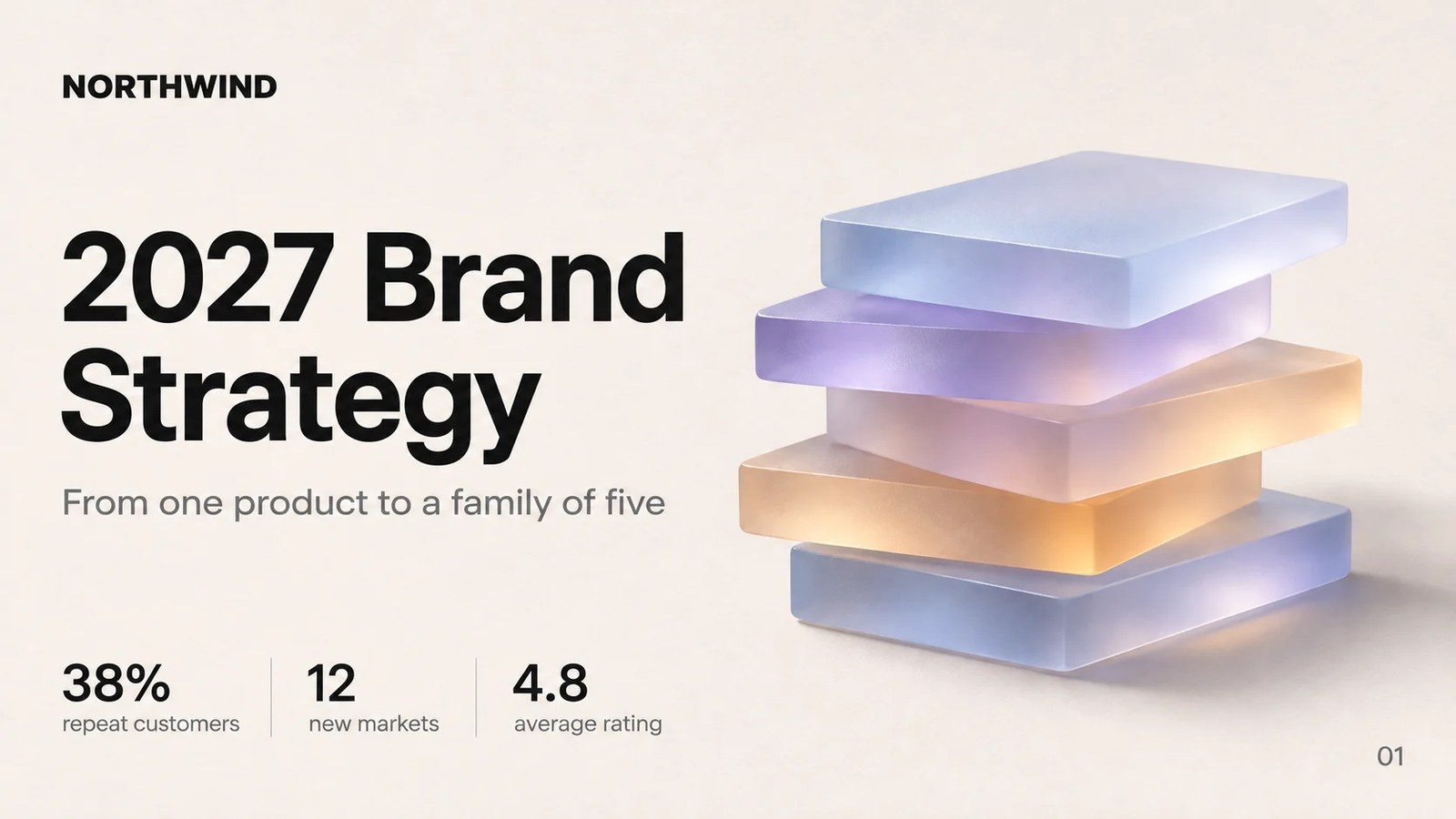
📥 **How it works.** Pixlayer accepts PNG, JPG or WebP images up to 25 MB. First the service recognises the text, separates the objects and cleans the background; then you correct what is wrong in the editor and download PPTX, PNG or the layers. The project page shows this with a sample slide: on the left the flat source, on the right the result, with wordmark, headline, subtitle, statistics and page number as separate text boxes in the same 16:9 layout. A second example is an AI-generated product poster. Because the background behind the original text is filled in, a moved or edited word leaves no "ghost" in its old place, the maker says.
🎨 **Two typical cases.** The maker names images from Midjourney, OpenAI's image models or Gemini where the picture is right but the words are not: instead of rolling the dice again, you change only the text. The second case is presentations that exist only as images, such as a deck exported as pictures or a forwarded screenshot; they are rebuilt as an editable PPTX with the layout intact. According to a directory listing, the tool is aimed mainly at designers and presentation teams.
💳 **Cost.** Pixlayer charges per image through credits. The pricing page lists three one-time packs without auto-renewal, each valid for one month and good for about 100, 225 or 500 images at the current rate. A directory mentions free starter credits; according to the maker, any current sign-up bonus is shown on the pricing page. Occasional users should keep in mind that unused credits lapse after a month. The page says nothing about how well the text recognition copes with distorted or very small lettering; only a test of your own will show that.