🧩 NoLeemits AI Design: Claude builds WordPress pages whose text clients can edit themselves
In brief
- 🔌 The WordPress plugin turns a site into an MCP server, so Claude, ChatGPT, Cursor or Codex can build pages on it directly.
- 🧱 The AI writes sections in plain HTML and CSS; every text and image becomes a labelled field in wp-admin.
- ✏️ Clients change headlines, prices or photos in a form, without code and without a page builder.
- 💶 According to the maker from $99 a year with a 14-day free trial; aimed at agencies and freelancers.
🧩 [NoLeemits AI Design](https://noleemits.com/ai-design/) sets up a WordPress site so that an AI assistant can design pages on it. The plugin turns the site into an MCP server, a service that Claude, ChatGPT, Cursor, Codex and other programs supporting the Model Context Protocol can work with directly. You describe the page in plain words, and the AI writes it as sections of HTML and CSS in the site's own colours and fonts. ✏️ The core idea: every section is split in two. The AI owns the structure, a person owns the content. Texts, images, links and icons appear in the WordPress back end as labelled fields in a form. Someone who has never opened the plugin can change a price or a headline without touching the layout and without writing a new prompt. Only structural changes go back to the AI. 🧑💻 It is meant for agencies and freelancers who build client sites with AI and want the client to keep editing them afterwards. Anyone happy with Elementor or Divi, or not using an AI assistant with MCP, gains little. According to the product description, plans start at $99 a year, with a 14-day free trial that needs no credit card.
⚙️ No builder underneath. The maker justifies the plugin with two annoyances. Classic page builders, its page says, load a lot of JavaScript (it puts Elementor at about 300 KB per page) and store the page in their own format, Divi as shortcodes, Gutenberg as blocks; switching tools means rebuilding. AI page tools, on the other hand, often deliver code a client cannot touch, so every small text change goes back through the AI and costs tokens. NoLeemits relies on plain HTML and CSS on your own server, with no block format and no builder runtime. By default, the maker says, no JavaScript reaches the front end; twelve supported libraries load only where a section asks for them. Pages can be exported as JSON or as standalone HTML.
📝 How the fields come about. A "Content Mode" creates a separate labelled field for every piece of copy in a section. The plugin warns the AI while it builds when a section is so hardcoded that it could not be edited later. In daily use this means texts and pictures are maintained without code and without AI; a new section or a different layout takes one sentence in the chat.
🗂️ More than landing pages. A designed page can serve as a template: for posts, custom post types, category and taxonomy archives, search, date archives, the 404 page and the homepage. The WooCommerce shop archive can be designed too, according to the maker, with real product loops and working filters. Templates can be tested before they go live.
👥 Built for handing over to clients. In review mode a client clicks a section on the live page and leaves feedback. The AI can flag its own assumptions for a person to confirm. Every revision records who changed what, how and from which client; sections can be locked so nothing is silently overwritten, and earlier versions can be restored. A connection can be limited to read-only and, according to the description, can never do more than the user's own WordPress role allows.
🧰 What the AI can do with it. Through the interface the assistant creates, clones, publishes, deletes, imports and exports pages, or builds a whole page from a brief. It inserts, replaces, moves and deletes sections, patches CSS and reads the site's design tokens and style guide; thirteen ready component skeletons serve as starting points. On top come business details with LocalBusiness structured data, WordPress menus, forms, a shared section library, A/B variants and translation. Pictures are searched or generated through the PixelVault service; 104 Phosphor icons ship with it and more than 1,500 more are available on demand.
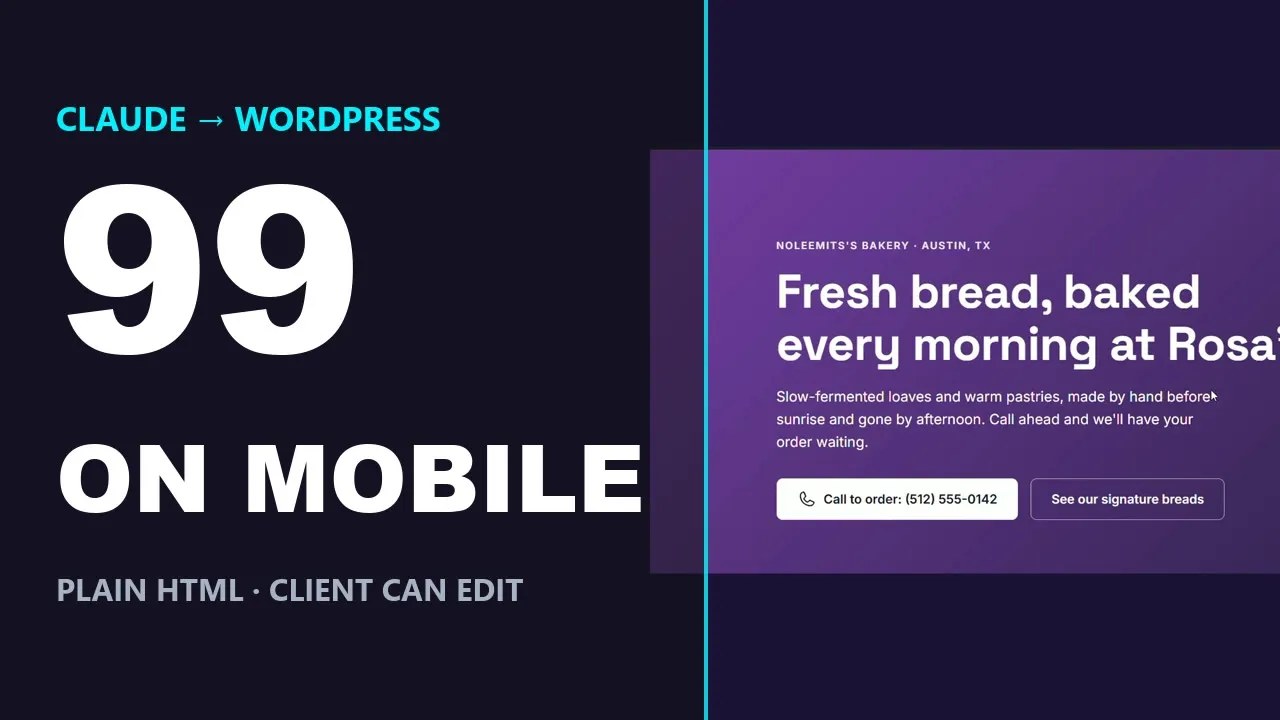
🔗 Setup and compatibility. The connection runs over a single Streamable HTTP endpoint with browser sign-in, or an API token for scripts; for Claude Code the maker offers a single-command setup. The plugin is meant to work with any theme, block themes included, needs no jQuery and works with the major caching plugins. If Elementor, Divi or Bricks is active on a post, it detects that and stays out of the way. On YouTube the maker shows in one demo how Claude builds a bakery homepage, and in a second video five ways to connect Claude to WordPress over MCP.
💶 Price. The product description names plans from $99 a year and a 14-day trial that needs only an email address. The maker's page lists as the entry point a plan for one site with the full feature set at $35.80 per site; anyone running more client sites needs a larger plan. The current price is on the [maker's page](https://noleemits.com/ai-design/). You still need an AI assistant with MCP support, whose subscription you pay for yourself.