🖥️ Screenpipe records screen and audio locally and gives AI assistants your work history
In brief
- 🖥️ Screenpipe records screen, audio and meetings on your own computer and makes that history searchable.
- 🤖 Through an MCP server and a local API, Claude, Codex and other agents can query the history.
- 🔒 Raw history stays local by default, the maker says; apps, windows and URLs can be excluded.
- 💶 Free tier with limited history, Basic $250 a year; macOS, Windows, Linux.
🖥️ [Screenpipe](https://screenpipe.com/) runs in the background and records what appears and is heard on your computer: screen content, text from apps, audio and meetings. The result is a searchable work history. You can jump back to yesterday's document or conversation, or ask an AI what was decided during a client call. 🤖 The real purpose is context for AI agents. Through an MCP server, a local REST API and a JavaScript SDK, Claude Code, Codex or other assistants can search the history instead of you explaining every background detail. Scheduled workflows produce things like daily summaries or follow-up drafts. 🔒 Capture and search stay on the device by default, according to Screenpipe. Anyone using cloud AI, sync or team features sends selected data out. Specific apps, windows and websites can be excluded and sensitive fields redacted on the device. 💶 The free tier covers capture, search over recent work and sharing selected context. Basic costs $250 a year, Business $500 per seat; until 30 November the first year is 20 percent off. It runs on macOS, Windows and Linux, and the source code is available to read. It suits people who switch between many apps and conversations during the day and set their recording rules with care.
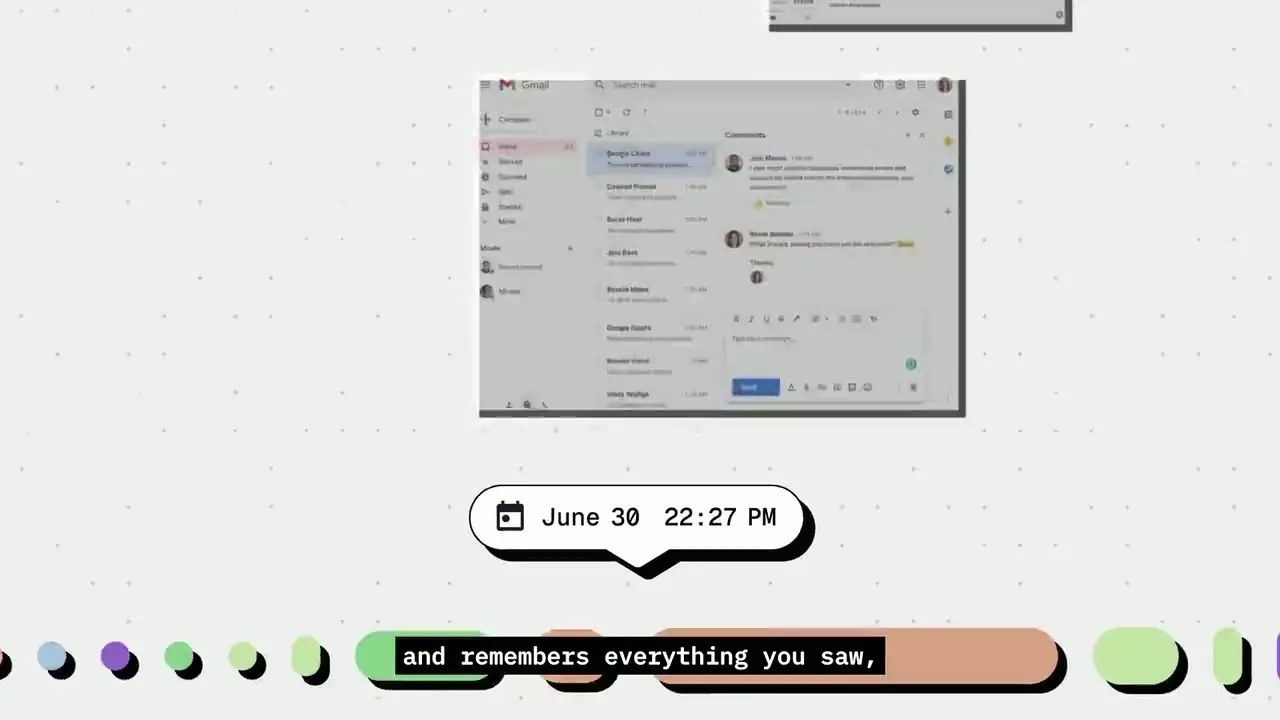
⚙️ How the capture works. Screenpipe mainly reads the accessibility tree of apps, the text applications expose to screen readers. Where that is not enough, OCR reads content from screen frames. On top come audio and meeting transcripts with speaker labels, app switches and keyboard input, the repository says. According to the maker you can scrub back to a moment of the day and see the exact screen that was open then.
🧪 What people do with it. In their [Y Combinator launch post](https://www.ycombinator.com/launches/RTT-screenpipe-record-how-you-work-and-turn-that-into-agents) the makers list examples: a daily recap for standups or client billing, a personal CRM built from the day's conversations, commitments from meetings that never reached a task list. Newer versions lean on workflow discovery: Screenpipe watches a few runs of a recurring job, such as copying invoice details from email into accounting software, and describes the steps, exceptions and one candidate for automation. Every step links back to the underlying captures; the automation can then run in Zapier, n8n, Claude Code or an agent of your own. The company is part of Y Combinator's S26 batch.
🛠️ Setup. Besides the desktop app there is a command line: npx screenpipe record starts capture, npx screenpipe setup adds the MCP server to the coding agents it finds. After that you can ask Claude what was on screen in the last five minutes. A local model through Ollama is an option too.
💻 What it costs your machine. The pricing page lists 600 MB to 4 GB of RAM depending on settings and about 30 GB of storage a month, with configurable retention. The repository gives 5 to 20 percent CPU load. It needs macOS 13 or Windows 10 and later, or Linux.
📋 The tiers in detail. Basic adds the full searchable history and unlimited scheduled workflows you install. Business adds sync across your own devices, access to frontier Claude and GPT models with 400 AI credits a month, and seat management. A shared company memory across teammates, automatic team workflow discovery and cloud API access are Enterprise only. The source is available but not free for every use: commercial builds from source require an Enterprise license.
⚠️ What to keep in mind. Continuous recording also captures what is not yours: private messages, confidential documents, other people's voices in meetings. Set the exclusion rules before the first recording, and get consent from people you record. AI summaries also do not replace checking the source when names, figures or commitments matter. Someone who only needs notes from the occasional meeting is better served by a plain meeting notepad.